Get the app
Put CTP Group on your home screen
Takes about ten seconds. No app store, no download, no account. It sits on your phone like any other app and works without signal.
- Open this page in Safari
It has to be Safari on an iPhone or iPad. Chrome on iOS cannot add to the home screen.
- Tap the share button
At the bottom of the screen on most iPhones, or top right on an iPad.
- Scroll down and tap Add to Home Screen
It sits a little way down the list, under the row of sharing options.
- Tap Add
Done. The CTP Group icon is now on your home screen.
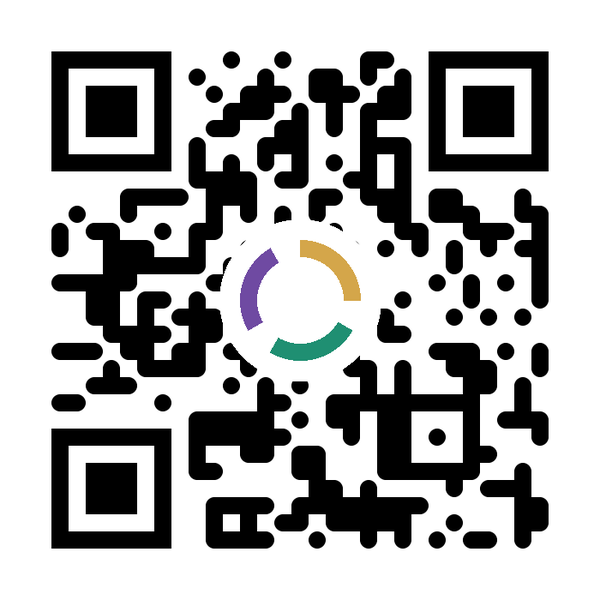 On a laptop right now?
Point your phone camera at this. No app needed, just hold it steady.
ctpgroup.co.uk
What you get
Level 2 to Level 7 across 19 sectors, each linked to Skills England.
Work out what an apprenticeship costs and share the figures on the spot.
Bookmark standards, then send the whole list in one message.
Once installed it opens on a site with no signal.
Talk to us
Fifteen minutes, no hard sell
Grab a slot in Karl's diary. Free advice, no pitch. If what you need is not something we do, we will say so and point you at who does.